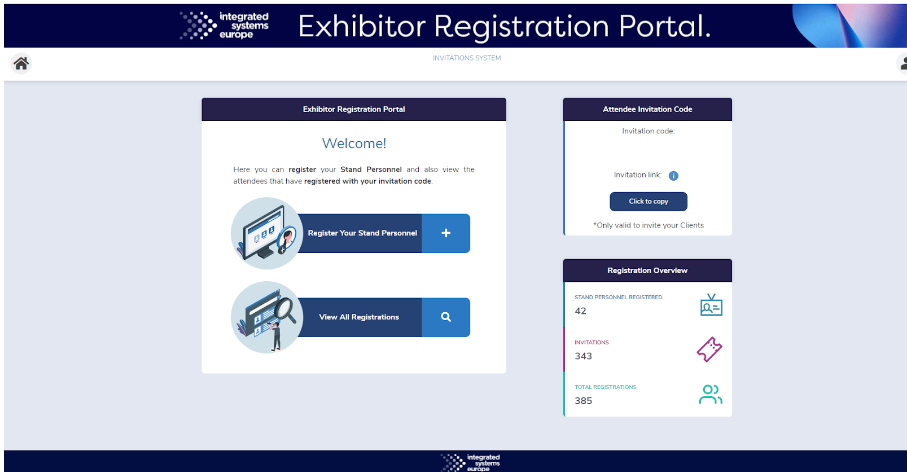
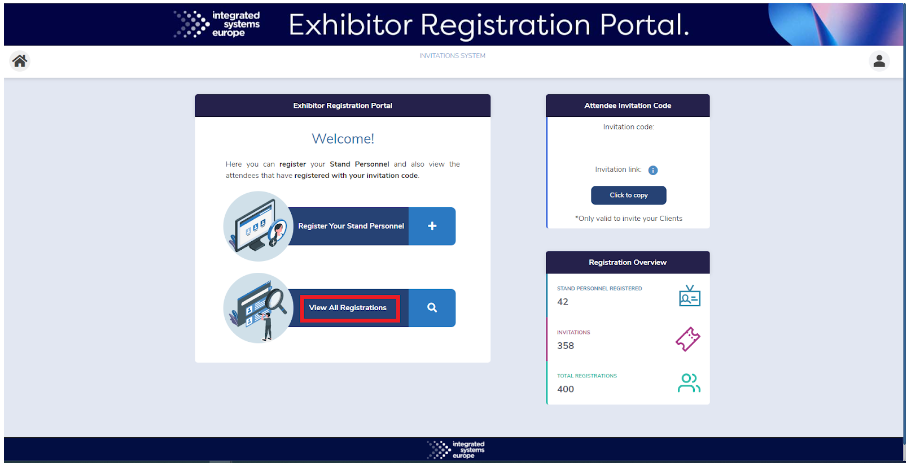
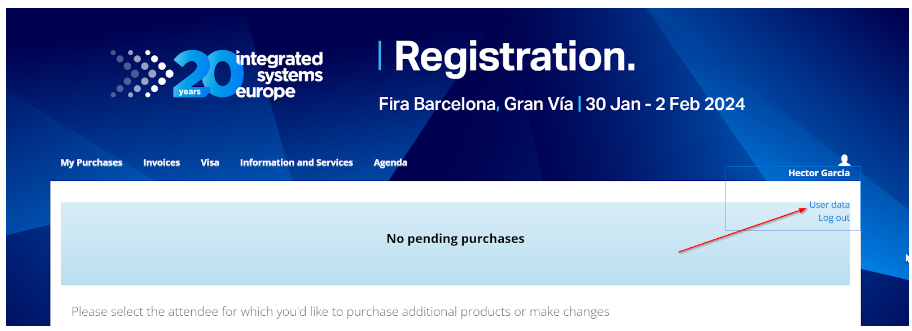
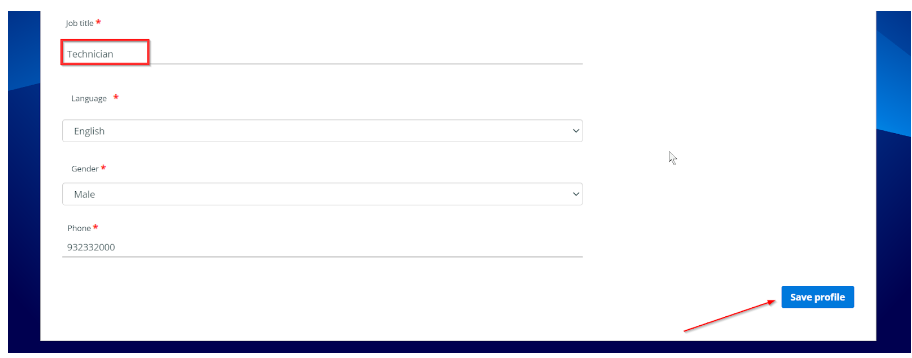
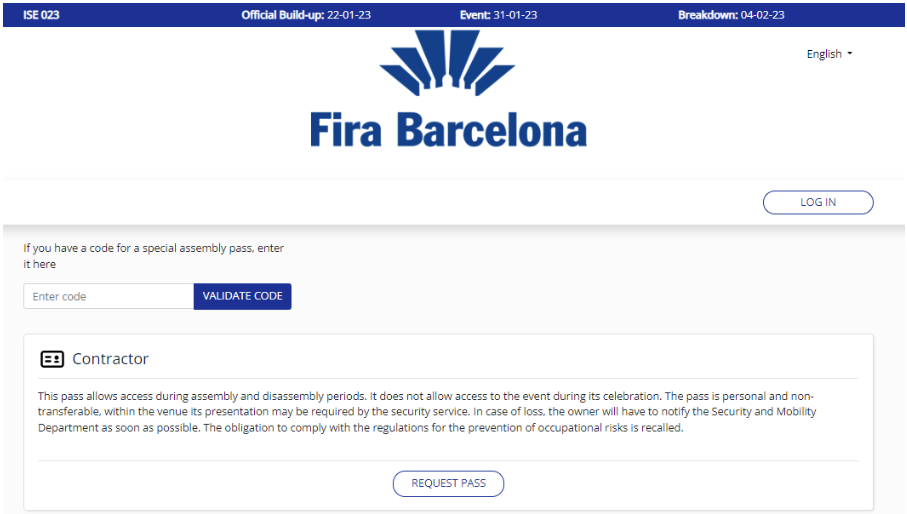
The exhibitors have to register their personnel using a specific platform specific for that: the Exhibitor Registration Portal.
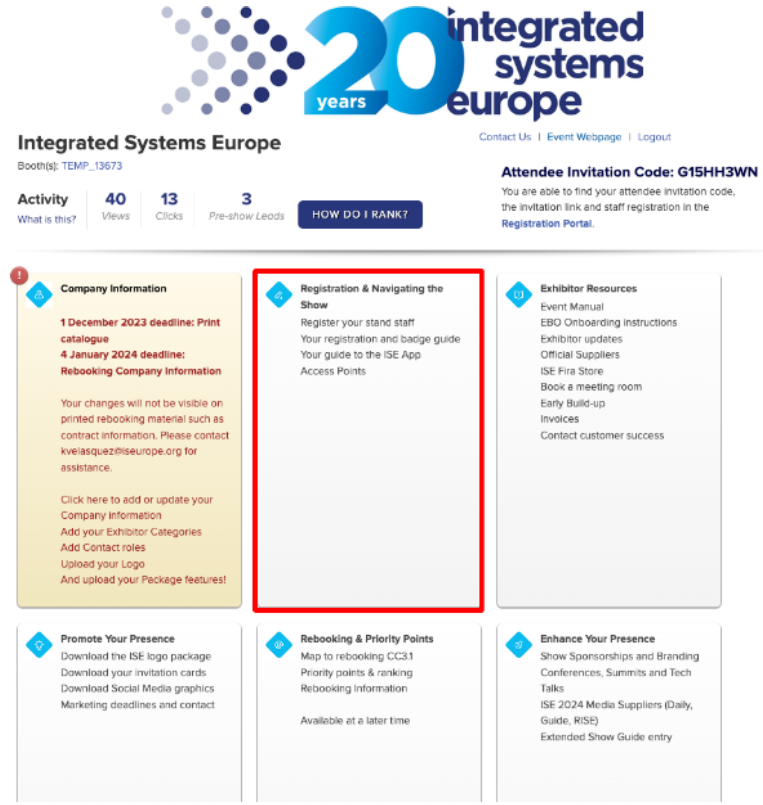
To access to this platform they have to log into the Exhibitor Backoffice with the credentials that ISE have provided to their responsible and follow the next steps:
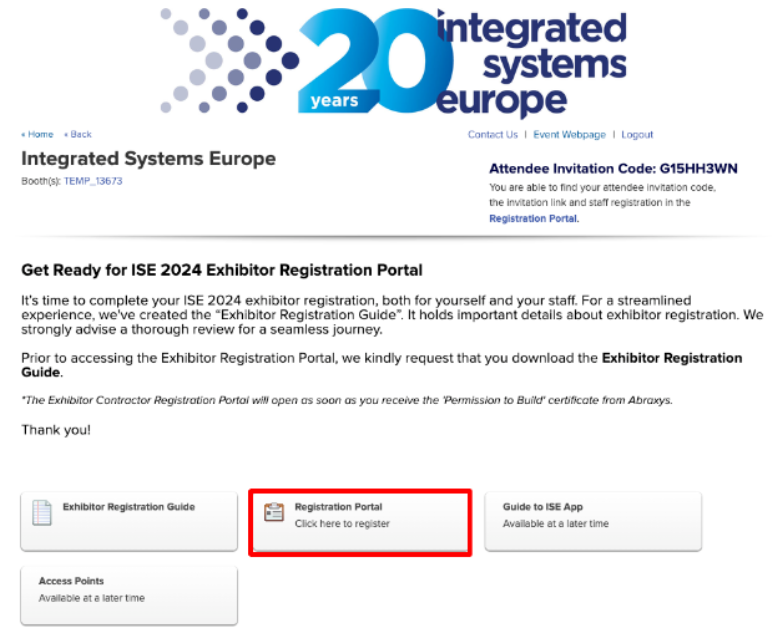
3. Click on the Registration Portal button to be redirected to the Exhibitor Registration Portal.
4. Once they are in the Exhibitor Registration portal, they will be able to register their stand personnel and they will find their attendee invitation code to share with the people they want to invite.
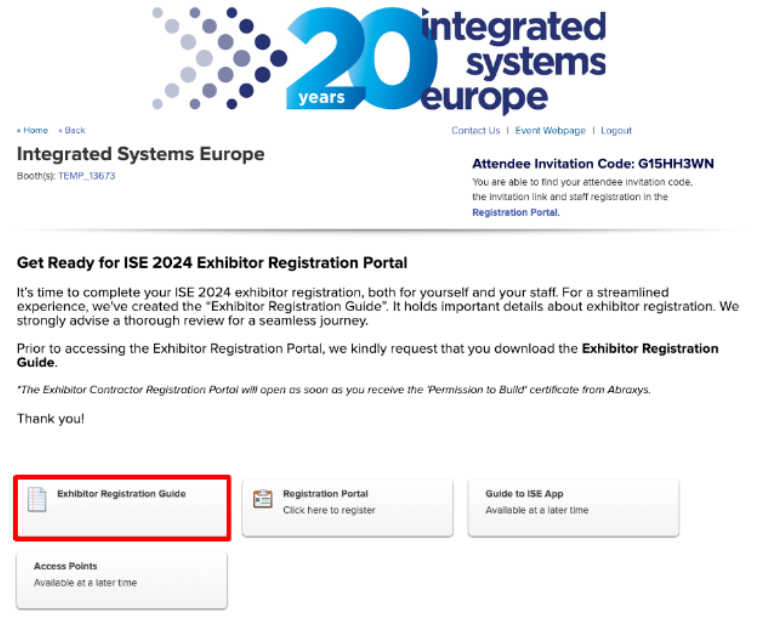
* If they have any more queries regarding the Exhibitor Registration Portal, they will find a user’s guide in the Registration section of the Exhibitor Backoffice.
Resend confirmation email
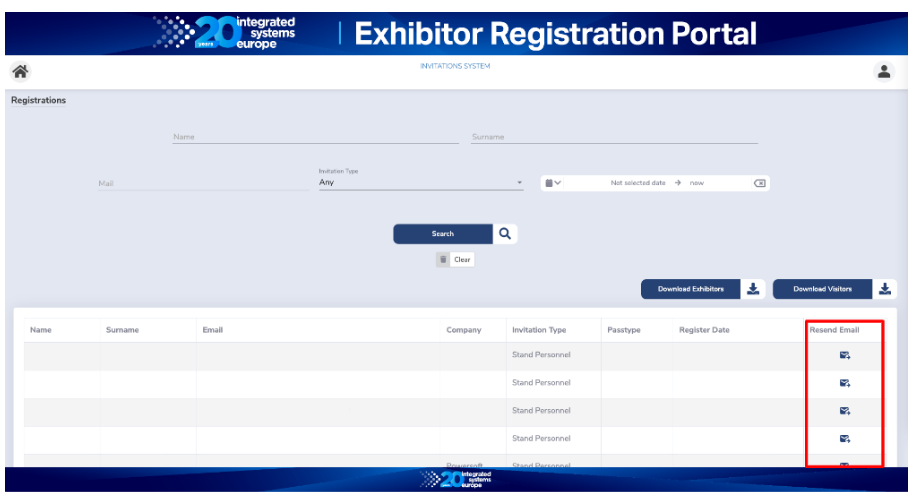
If any visitant which is registered as an Exhibitor has not received the registration confirmation email or wants to receive the email again, he has to ask to his company responsible person to log into the Exhibitor Registration Portal, go to “View all Registrations”, search his email and click on the button “Resend email”.
QR codes with the registration link are displayed at the registration and helpdesk points. Registration steps:
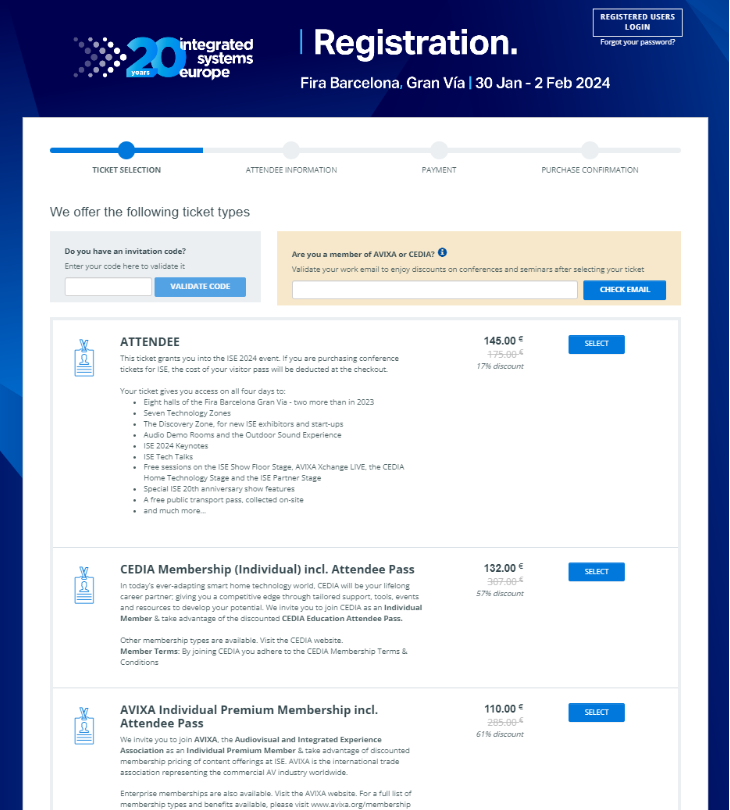
Select a pass. In case the attendee is member of AVIXA or CEDIA, must check the email at the indicated area:
Pass selection screen:
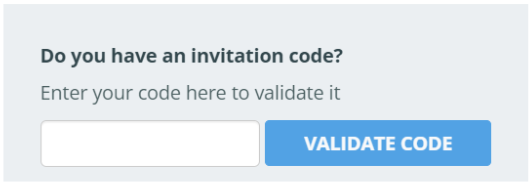
In case you have an invitation code validated at the designated area:
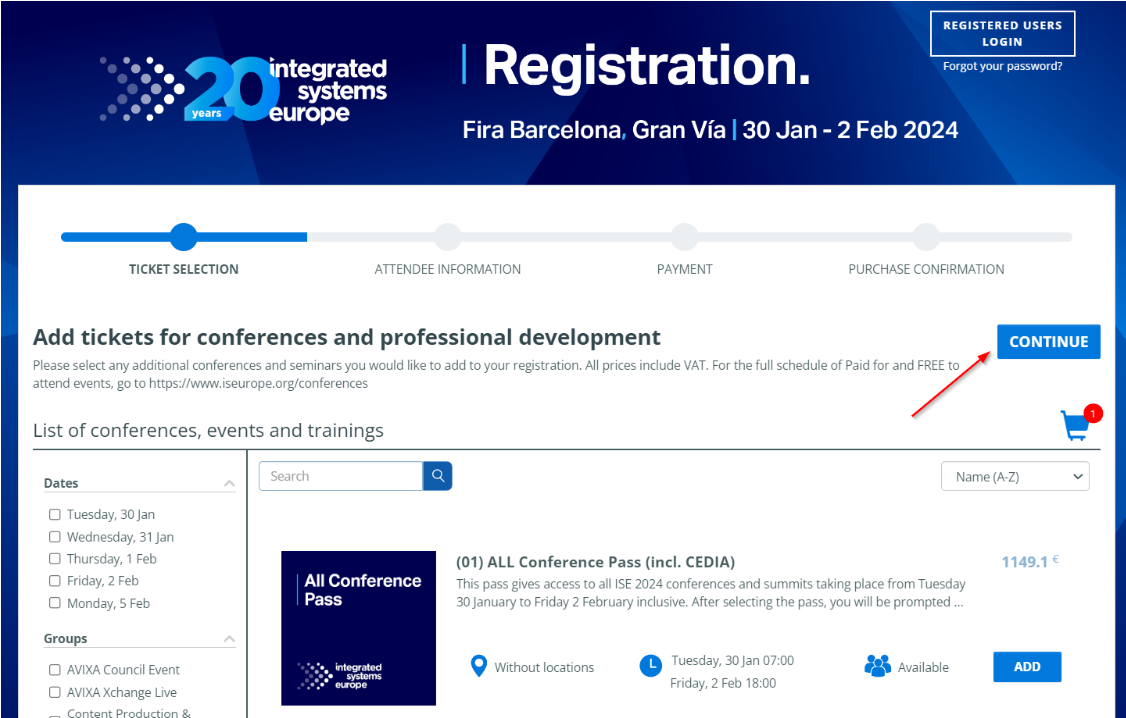
2. Add any conference and/or press CONTINUE button:
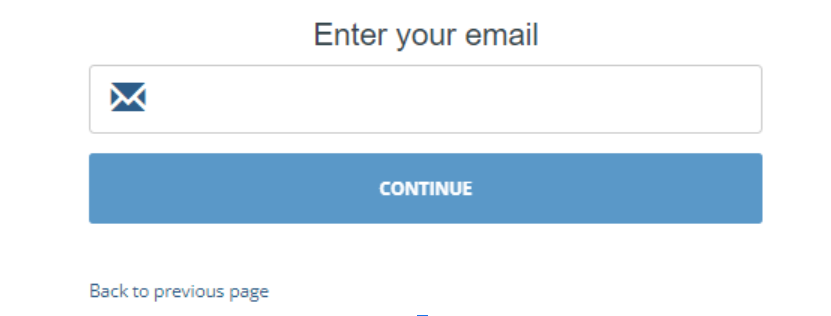
3. Enter your email to create user or log in
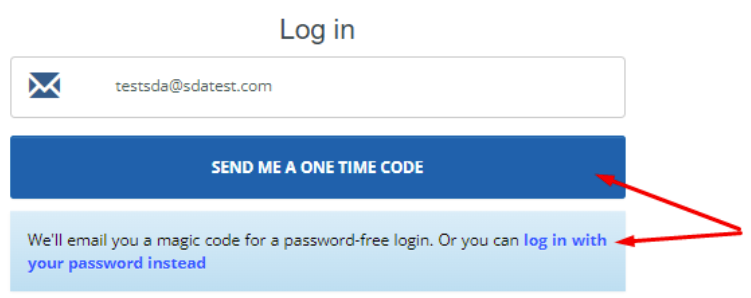
If the email has been used to register to ISE 2021, 2022 or 2023 editions, the system will recognise it and will ask for log in: There are 2 options for logging in, via ONE TIME CODE or with you PASSWORD.
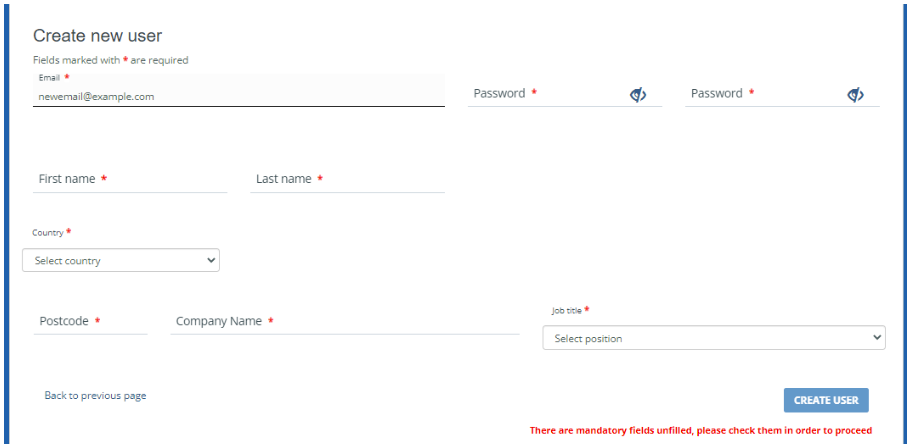
If the email is not recognised as a registered user for ISE 2021, 2022 or 2023, a new user will be created:
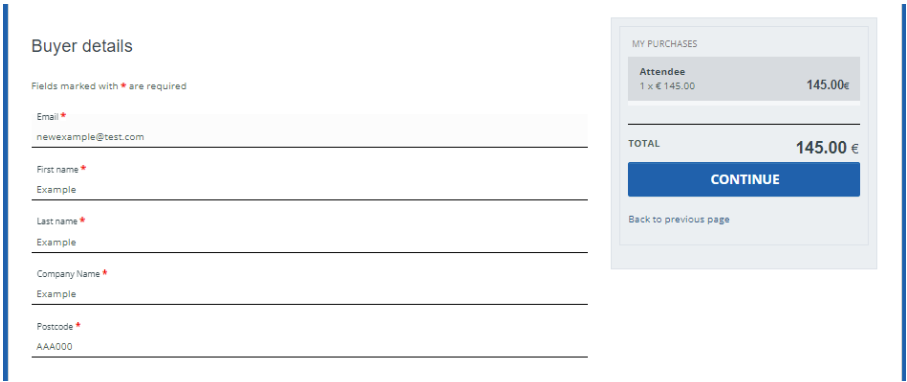
4. Fill all the form, make sure all mandatory fields are filled and click CONTINUE
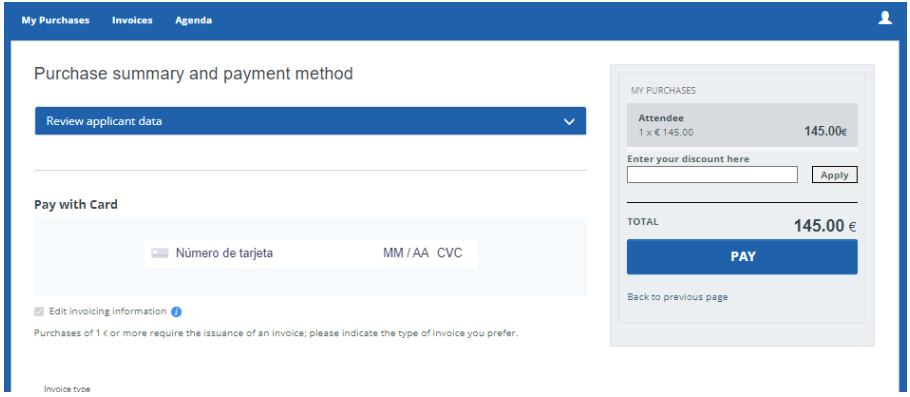
5. Payment: insert card details. Discount codes for sessions can be applied at this step. Press PAY to finalise.
In case there is no payment involved in the process (due to invitation code), instead of PAY the button will say CONTINUE
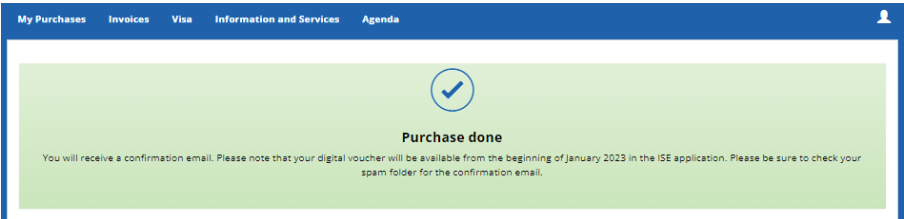
6. Purchase complete: registration for ISE 2024 is done.
SDA Backoffice
SDA (Sistema de Acreditación) Backoffice is the tool to check registration status for any passtype, except for contractors.
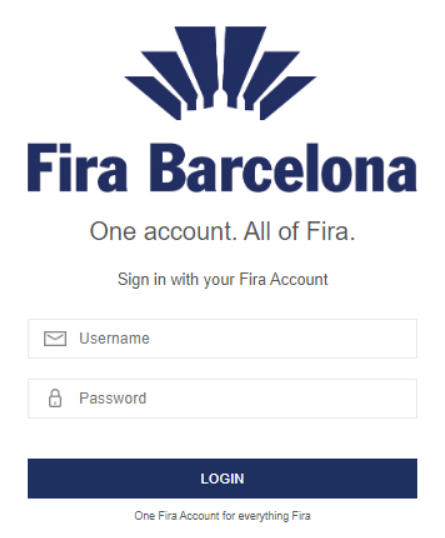
Access with credentials provided by your supervisor:
Once logged in, select the available event:
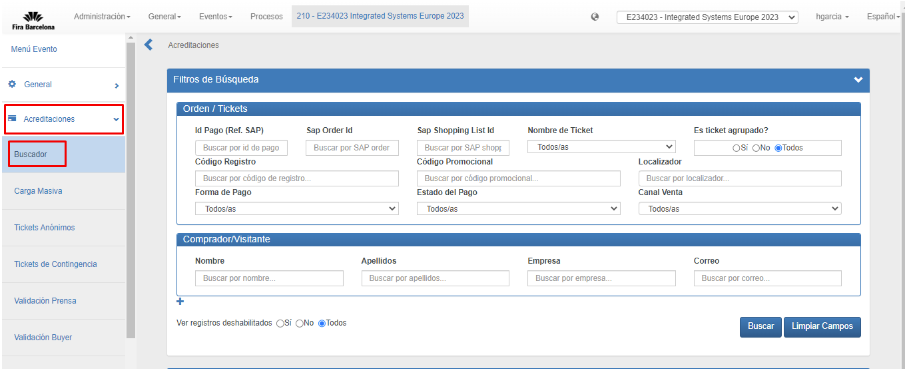
Select the left menu Acreditaciones > Buscador There are several search criteria, but the recommended are (by order):
Email
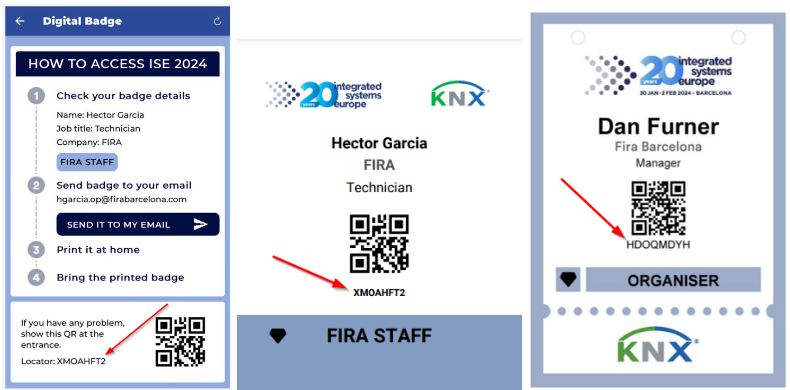
Locator (can be found in the Digital voucher and Printed Badge)
Name & Surname
Search results
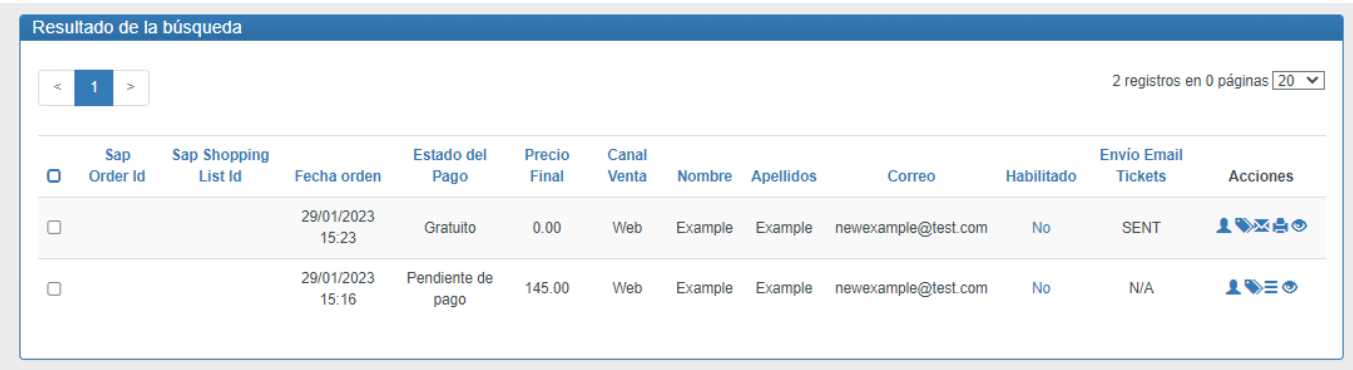
All results are shown at the ‘Resultado de la búsqueda’ table. Each row is a result, and is called an order, meaning a registration process.
Most important information from the table columns are:
Estado de pago Information about the registration process status.
Gratuito: finalized process and free of charge
Pagado: finalized process and free of charge
Pendiente de pago: pending process (free or not)
Cancelado: press pass via validation not accepted.
Aprobado: press pass via validation approved.
Habilitado
Can be in 2 different status:
Sí: pass is active (can be finished or pending).
No: pass is cancelled, should register again.
Acciones There are some icons, the important icone is (ver órdenes de tickets y productos). Clicking that icon will display another pop-up with further information:
Definición de ticket: passtype (attendee, exhibitor, staff, etc)
Acciones: QR code icon that will display the QR code same as the Digital Voucher. Edit visitor details icon to display a new pop-up that will allow to edit the visitor data.
Press registraton (media)
Media registration is an online application that goes through a validation process. ISE Press team validates all applications and applicants receive an email with information about whether they are accepted or not.
They have to download the ISE official mobile APP to access the venue.
For those who are not registered, we can register them onsite. We need to ask for an official ID and a proof of their job position / media job, etc.
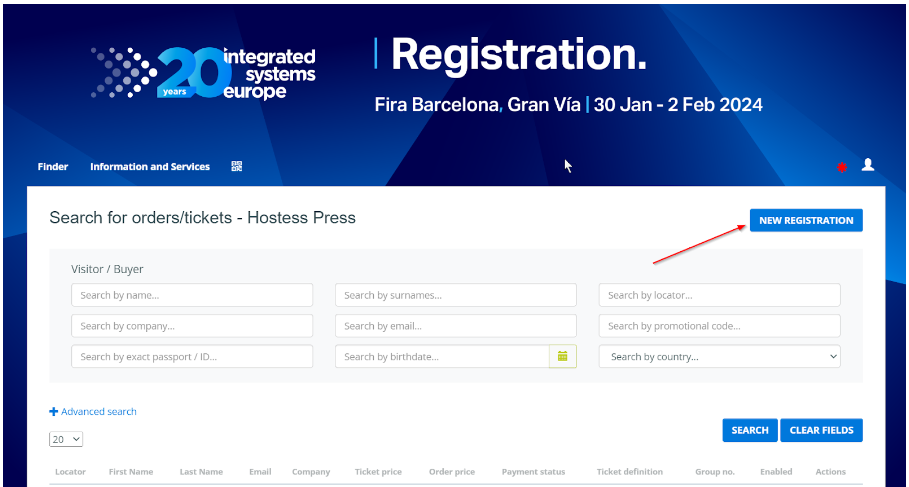
In order to register them we use the Onsite Press registration system.
For new registrations we click the button NEW REGISTRATION and follow the steps.
Printing Exceptions
At the registration help desk we do NOT print badges, but there are some exceptions:
Mobile device broken.
Mobile device with no battery.
Mobile device (chinese market) with no usual markets available (apple store or google maket)
ONSITE badge types that belong to some VIP.
Except for the ONSITE, we have to ask for the attendee information and check some official ID to verify the identity. In that case we can print the badge and deliver it.